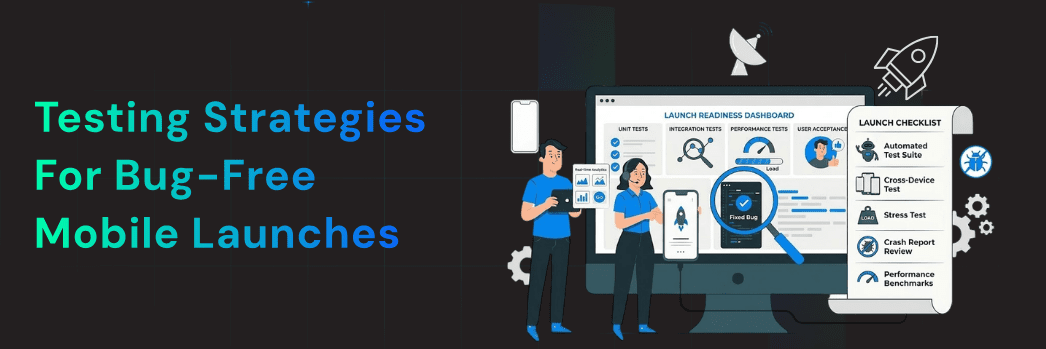
Did you know that over 70% of users uninstall an app after experiencing crashes or bugs within the first few days? In today’s competitive app ecosystem, a single glitch can cost you downloads, poor ratings, and lost revenue.
Launching a mobile app without proper testing is like riding a motorcycle without checking the brakes—it might work for a while, but failure is inevitable.
For developers, startup founders, and digital marketers targeting markets like India, the US, and Switzerland, a bug-free app launch is not just a technical requirement—it’s a business necessity. App Store and Google Play algorithms prioritize apps with higher ratings, fewer crashes, and better user engagement, directly impacting ASO rankings and visibility.
At Digiauxilio, we specialize in app promotion, ASO, and community growth—ensuring your app launches smoothly and scales successfully.
In this guide, we’ll explore testing strategies for mobile app launches that help you deliver flawless user experiences.
The Real Cost of Bugs
A buggy app can lead to:
Even a small bug can create a ripple effect. For example, if your payment system fails during checkout, users may not return.
Rising User Expectations
Modern users expect:
Anything less leads to churn.
Algorithm Penalties
Both Google Play and App Store algorithms track:
Higher error rates result in lower rankings.
That’s why having a strong mobile app testing checklist is critical.
1. Unit Testing
Unit testing focuses on testing individual components of your app.
Tools:
Best Practices:
Example:
If you’re building a quiz app, test each function like score calculation individually to ensure accuracy.
2. Integration Testing
Once individual components work, ensure they function together.
What to Test:
Example:
Your login system may work perfectly, but if it fails to connect with your backend server, users won’t be able to access their accounts.
3. UI/UX Testing
A smooth user interface is essential for engagement and retention.
Tools:
Focus Areas:
Android Fragmentation Challenge:
Your app must work across different screen sizes, OS versions, and devices.
Poor UI directly impacts user retention.
4. Performance Testing
Performance testing ensures your app can handle real-world usage.
Key Metrics:
Tools:
Example:
If thousands of users log in simultaneously, your app should still perform smoothly.
5. Security Testing
Data privacy is critical.
Focus Areas:
Follow guidelines from OWASP to identify vulnerabilities.
Risks:
6. Beta Testing and User Feedback
Before launching publicly, test your app with real users.
Platforms:
Benefits:
Building a small community of early users helps gather valuable insights.
A powersports startup partnered with Digiauxilio to launch their app globally.
Challenges:
Solution:
Results:
Before launch, ensure:
Manual testing alone is not enough.
Tools:
Benefits:
Automation helps scale testing efficiently.
Testing continues even after launch.
Tools:
Monitor:
A/B testing helps validate fixes before full rollout.
Testing ensures functionality, but marketing ensures visibility.
Explore:
A bug-free app combined with strong promotion leads to better results.
A successful mobile app launch depends on delivering a seamless and reliable user experience. By implementing the right testing strategies for mobile app launches, you can minimize bugs, improve performance, and increase your chances of success in app stores.
From unit testing to post-launch monitoring, each step plays an important role in achieving a bug-free app launch. When combined with strong ASO and marketing strategies, testing becomes a powerful growth driver.
Contact Digiauxilio for app testing audits and launch strategies:
https://www.digiauxilio.com/contact
Q1. How long should app testing take?
It depends on the complexity of the app, but typically 2 to 6 weeks is recommended.
Q2. What are the best Android iOS testing tools?
Appium, Espresso, XCTest, JUnit, and Firebase Test Lab are widely used tools.
Q3. Can startups afford automation testing?
Yes, many tools offer scalable solutions and reduce long-term costs.
Q4. What is the most important testing type?
A combination of unit, UI, and performance testing is essential.
Q5. Why is beta testing important?
It helps identify real-world issues and improve the app before public release.